Pinterest is a fantastic platform for discovering creative ideas, inspiration, and engaging video content. Sometimes you come across a video that you'd like to save for offline viewing or to share with others. In this comprehensive guide, we'll show you exactly how to download Pinterest videos, images, and GIFs using our free tool, SavePinVid.
Why Download Pinterest Videos?
There are several reasons why you might want to download Pinterest content:
- Offline viewing - Watch videos without an internet connection
- Content creation - Use Pinterest videos as inspiration for your own projects
- Sharing - Share videos with friends who aren't on Pinterest
- Backup - Save your favorite content in case it gets removed
Important Note
Always respect copyright and only download content for personal use or with proper permission from the content creator.
Step-by-Step Guide to Download Pinterest Videos
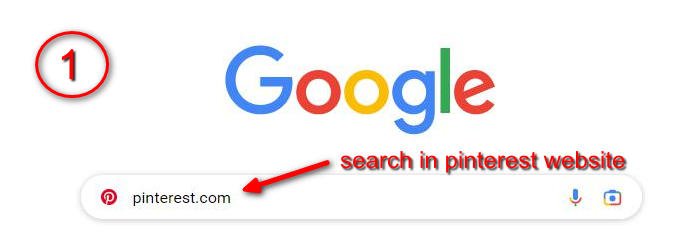
1 Find the Pinterest Video You Want to Download
Open Pinterest in your browser or app and navigate to the video you want to download. You can search for specific content using Pinterest's search function.
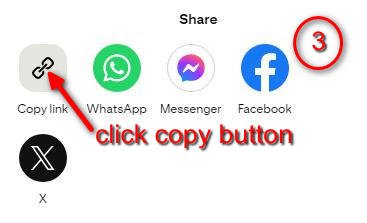
2 Get the Video Link
Click on the share button below the video and select "Copy link" to get the Pinterest URL.

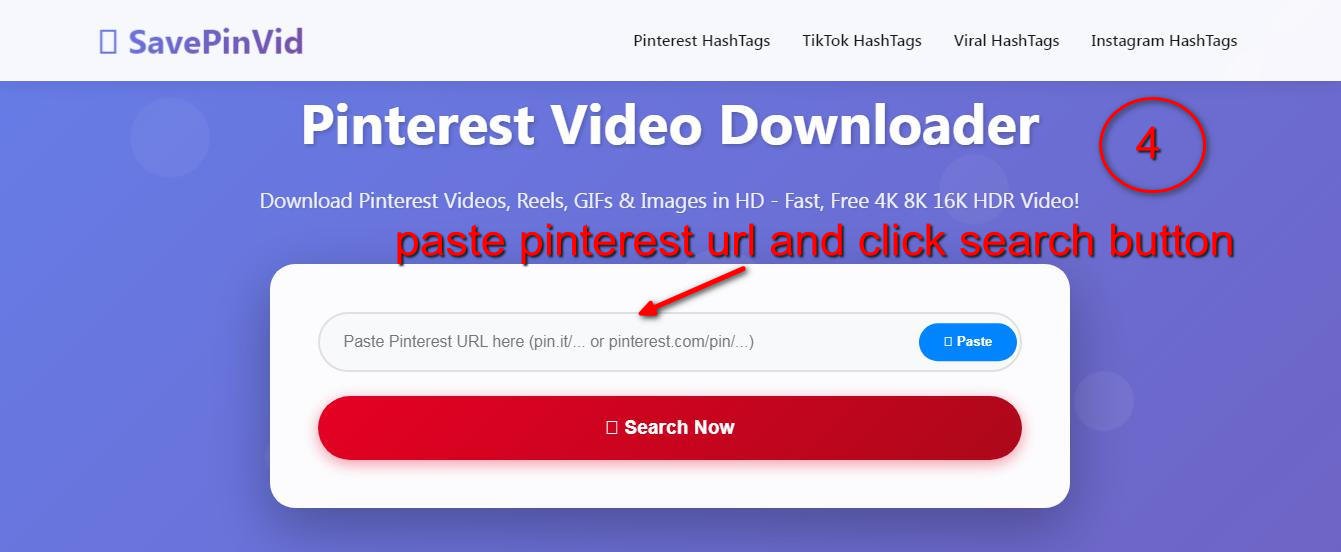
3 Use SavePinVid Downloader
Visit SavePinVid.com and paste the copied Pinterest URL into the download field.
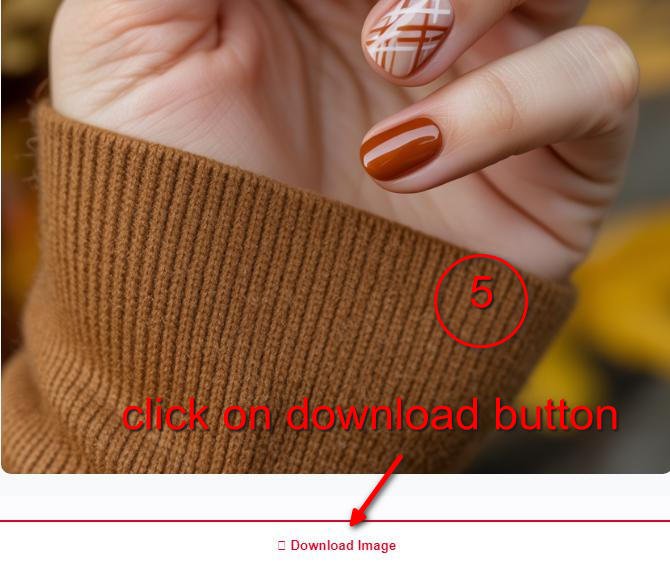
4 Download Your Video
Click the download button and choose your preferred quality. The video will be saved to your device.
Try Our Pinterest Video Downloader
Use the tool below to download Pinterest videos right now:
Pinterest Video Downloader
How to Get Pinterest URL
Click the share button on any Pinterest video and select "Copy link" to get the URL.
Download Result
Your downloaded content will appear here
Paste a Pinterest URL and click download to get your video
Supported Pinterest Content Types
SavePinVid supports downloading various types of Pinterest content:
Videos
Download Pinterest videos in high quality up to 4K resolution.
Images
Save Pinterest images in original quality with metadata preserved.
GIFs
Download animated GIFs from Pinterest with smooth playback.
Mobile Friendly
Works perfectly on all devices - desktop, tablet, and mobile.
Frequently Asked Questions
Is it legal to download Pinterest videos?
Downloading Pinterest content for personal use is generally acceptable. However, you should always respect copyright and not redistribute downloaded content without permission.
What video qualities are available?
SavePinVid downloads videos in the highest available quality, which can range from 480p to 4K depending on the original upload.
Can I download Pinterest videos on mobile?
Yes! SavePinVid works on all devices including smartphones and tablets. The process is the same - just copy the Pinterest URL and paste it into our downloader.
Are there any download limits?
SavePinVid is completely free with no download limits. You can download as many videos as you want.
What if the download doesn't work?
Make sure you're using a valid Pinterest URL. If you're still having issues, try refreshing the page or contact our support team.